
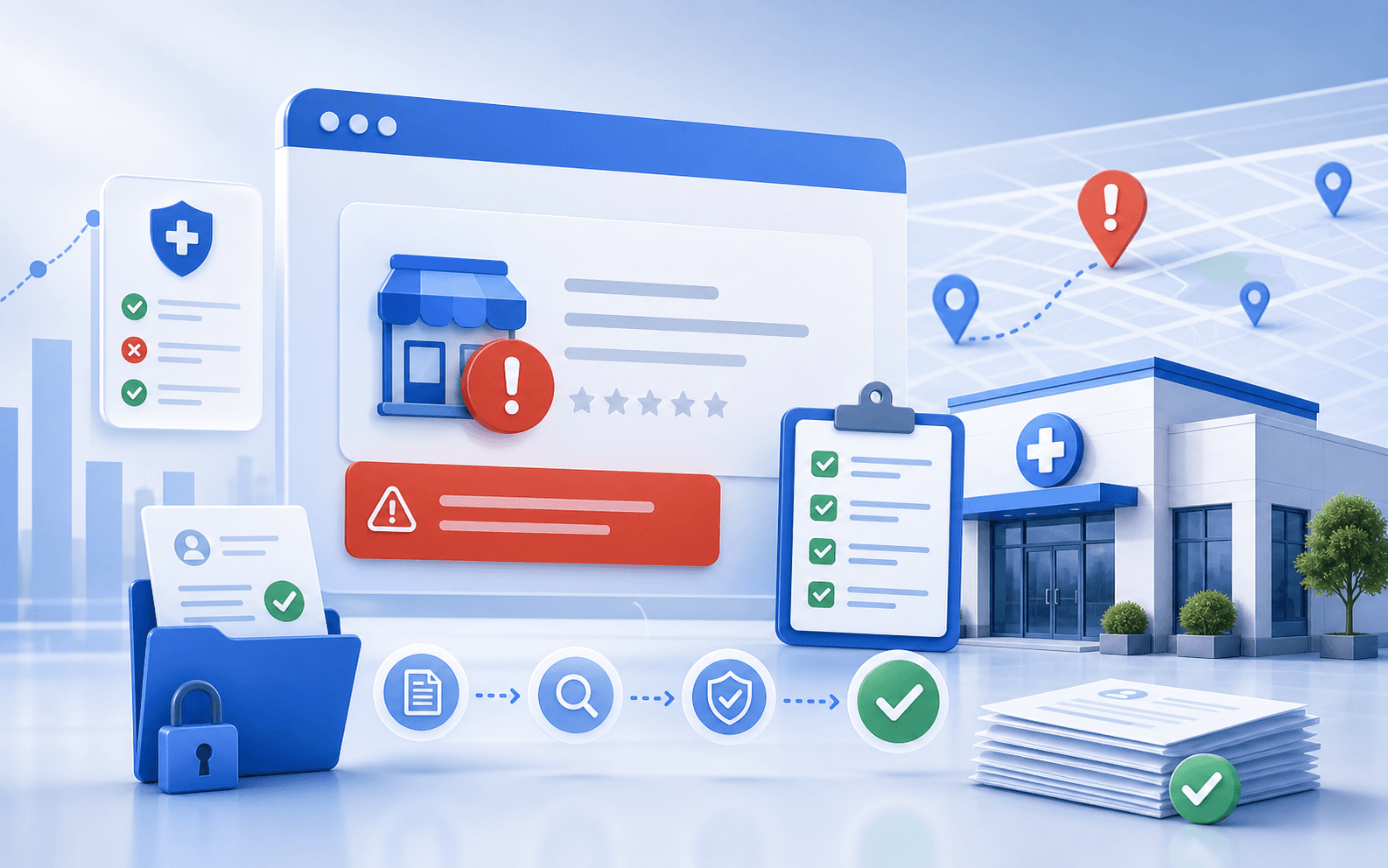
Google Maps is often the first trust checkpoint for local healthcare decisions.
If your clinic is not visible there, patients are more likely to choose the businesses that appear above you.
If your clinic's Google Business Profile is suspended, this is not the moment for random edits or panic-driven guessing. A suspension usually means the business needs a cleaner compliance review, better documentation, and a more disciplined reinstatement workflow before anything else.
The short version is this: if a clinic GBP is suspended, the safest response is to review eligibility, recent edits, documentation, and guideline issues before filing a clean reinstatement request.
Guide overview
Use this guide to work through the highest-impact checkpoints
Soft suspension vs hard suspension
Not every suspension looks the same.
Common triggers for clinics
The most common triggers are usually tied to trust and representation problems.
Reinstatement checklist and documentation prep
Before filing anything, work through a clean checklist.
That matters because many clinic teams respond the wrong way. They start changing fields, creating new profiles, or appealing without understanding what likely triggered the problem. In recurring GBP recovery work, that usually makes the process slower, not faster.
If you need the wider local context behind the listing itself, start with Why Your Clinic Is Not Showing Up on Google Maps. If the problem is clearly suspension-related, move into a reinstatement workflow rather than a standard optimization workflow.
Soft suspension vs hard suspension
Not every suspension looks the same.
A soft suspension usually means the profile remains visible in some limited way but management or editing capability is restricted.
A hard suspension usually means the listing disappears from Search and Maps and requires a stronger recovery process.
The exact presentation can vary, but the key point is that a suspension is a compliance problem first. It is not the same thing as weak rankings or a low-visibility profile.
One recurring issue we see is clinic teams using the wrong diagnosis. They think the profile is "not ranking" when it is actually in a suspended state, or they assume a suspension can be fixed with ordinary optimization edits.
That is why the first task is to confirm the condition clearly.
Common triggers for clinics
The most common triggers are usually tied to trust and representation problems.
Examples include:
- ineligible business setup
- address issues
- aggressive name or category edits
- duplicate conflicts
- unclear service-area versus storefront setup
- documentation that does not support the way the business is represented
Google's business eligibility and ownership guidance, service-area rules, and duplicate-profile documentation are all relevant here. Those are the right frames to review before a clinic files an appeal.
In recurring clinic environments, one of the most common suspension patterns is a business model mismatch. The profile is presented like a storefront clinic, but the business actually behaves more like a service-area or shared-space operation. Another common issue is aggressive change activity in the name, category, or address layer.
Reinstatement checklist and documentation prep
Before filing anything, work through a clean checklist.
Quick Profile Check
Confirm these visibility basics first
- business name
- primary category
- address
- service area
- provider/location structure
1. Confirm the business is eligible as represented
Review whether the clinic:
- serves customers in person during stated hours
- uses the correct address visibility model
- is represented under the right business identity
2. Review recent edits
Check whether recent changes were made to:
- business name
- primary category
- address
- service area
- provider/location structure
3. Check for duplicate or conflicting profiles
Duplicate issues can create confusion around the "real" listing and contribute to suspension risk.
4. Gather documentation
Prepare the documents the team may need to support the appeal. Depending on the clinic setup, that can include:
- business registration documents
- utility or lease proof
- signage or office photos
- proof of address or operation
- supporting business identity documentation
5. Make the profile internally consistent
Before filing, make sure the business is represented consistently across:
- website
- profile details
- core listings
- public-facing business identity
This does not mean mass editing the profile recklessly. It means understanding whether the clinic's representation is coherent and supportable.
What not to do during the appeal process
There are a few mistakes that often slow the process down.
Avoid:
- creating a replacement profile immediately
- making random edits without a clear compliance reason
- filing repeated appeals without improving the support case
- arguing the case like a ranking issue instead of a representation issue
- assuming reinstatement is just an SEO workflow
In recurring clinic reinstatement work, one of the most expensive mistakes is treating the appeal like a speed contest. A rushed weak submission is usually worse than a slower, cleaner one.
When to use Curex support
What to do next
Choose the right Curex path for the issue
Start here
Start with GBP Reinstatement Service
Use the scan when you need a quick read on whether the issue is visibility, listings consistency, or overall clinic SEO weakness.
ContinueOngoing optimization
Run Free Clinic SEO Scan
Use software-led workflows when the listing is live but the clinic needs stronger control over GBP updates, local signals, and monitoring.
ContinueHigh-risk cleanup
GBP Reinstatement Service
Use the reinstatement path when suspension, verification failure, or policy-sensitive cleanup is part of the problem.
ContinueIf the profile issue is clearly suspension-related, and especially if the clinic has:
then structured support is often worth it.
That is where GBP reinstatement service fits. The goal is not to promise guaranteed recovery. The goal is to help the clinic prepare a cleaner, more supportable reinstatement case.
Final takeaway
If a clinic GBP is suspended, the safest move is not to improvise. It is to work through:
If the business is unsure whether the issue is suspension, visibility weakness, or a profile setup problem, start with Why Your Clinic Is Not Showing Up on Google Maps. If the problem is clearly suspension-related, move into the GBP reinstatement service workflow with a cleaner checklist and a better support case.
Ask these first
- eligibility
- recent edits
- duplicate/conflict review
- documentation prep
- a clean reinstatement submission
Methodology for Google Business Profile Suspended: Reinstatement Checklist
Last reviewed May 5, 2026This article is grounded in reviewed guidance, local SEO workflows, and the source material linked below.
Sources
Frequently Asked Questions About Google Business Profile Suspended: Reinstatement Checklist
Usually no. A suspension is a compliance and documentation problem first, and random edits often make the recovery workflow harder.
That varies by case, but it often includes proof of business identity, address or operating location, and support for how the clinic is represented publicly.
That is usually the wrong move. It can create more confusion, duplicates, and support problems instead of helping the appeal.

Next step for GBP visibility
Turn this clinic visibility diagnosis into a concrete next move
Use one clear workflow to confirm the issue, improve your Google Business Profile, or get help when the problem involves reinstatement, listings cleanup, or ongoing GBP management.
- Fast visibility scan for clinic locations
- GBP workflows built for local healthcare teams
- Support for rankings, listings, and reinstatement paths
Continue learning
Related Resources for Google Business Profile Suspended: Reinstatement Checklist
Use these supporting resources to go deeper into the topic cluster without losing the thread of what you just learned.
Related Curex resources
Practical resources to keep moving
Foundational guides, tools, and service paths that support the next stage of implementation.
More from this topic
Continue exploring this cluster
Supporting reads that deepen the same topic without competing with the main CTA above.